Free · VST3 · Windows 64-bit
Free VST plugins for rap vocals
Free plugins are only worth installing if they do one job well. Here's ours, how to use it on a vocal, and a few other free tools we actually rate.
The free one: SUBMERGE
SUBMERGE is a free POLOPRESETS plugin that sinks your vocal underwater with one knob. Turn DEPTH up and the highs roll off, a slow wobble kicks in and a dark watery tail takes over, while the level stays steady so you don't have to chase the fader. It's a VST3 for Windows 64-bit and works in FL Studio and any DAW that loads VST3 plugins.
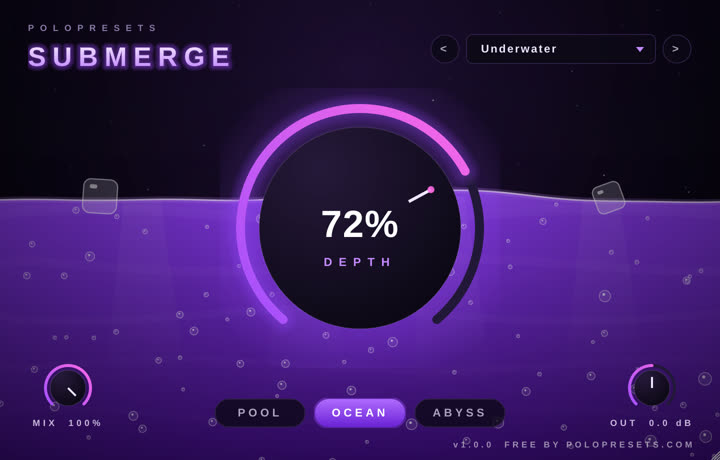
You get the full plugin, not a demo: three water modes (POOL, OCEAN and ABYSS), MIX and OUT controls, and seven presets including Underwater and Lean Dream. Enter your email on the store and the download link lands in your inbox. No card.
How to use SUBMERGE on a rap vocal
- Put SUBMERGE on the mixer insert of your vocal, adlib or whole beat bus.
- Start on the Dry Land preset (0%) and turn DEPTH up until it sounds like the vocal is behind glass, then keep going until it's underwater.
- Pick the water: POOL stays brighter, OCEAN is the classic underwater rap sound, ABYSS is darker and slower.
- Automate it. Right-click DEPTH in FL Studio and choose Create automation clip. Push it up for the intro, then drop it to 0 right where the beat switches so the vocal snaps back to clear.
- Use MIX if you want the effect blended under the dry vocal instead of replacing it.
Free tools that come with FL Studio
Before downloading anything, check what you already own. According to Image-Line's edition comparison, these effects come with every FL Studio edition:
- Fruity Parametric EQ 2: clean up mud and harshness before any effect.
- Fruity Limiter: works as a compressor too, good for keeping a rap vocal upfront.
- Fruity Love Philter: filter sweeps and band-pass "phone" vocals.
- Fruity Delay 3 and Fruity Reeverb 2: delay throws and space.
- Fruity Soft Clipper, Fruity Fast Dist, Fruity Blood Overdrive, Fruity WaveShaper, Fruity Squeeze and Distructor: everything from light warmth to full destruction.
Other free plugins worth installing
- Klanghelm IVGI: freeware saturation and distortion for Windows and macOS. It goes from subtle warmth to gritty distortion.
- Softube Saturation Knob: one knob with a Keep High / Neutral / Keep Low switch. It's free through Softube Central and needs a Softube account and an iLok account (no physical dongle).
- Kilohearts Essentials: a free bundle of small effects (free with a Kilohearts account), including Bitcrush, Tape Stop and Trance Gate. Great for glitch moments.
- Valhalla Supermassive: a free reverb and delay that goes from subtle to enormous.
When to spend money
Free plugins and stock FL Studio will take you a long way. The point to spend is when a plugin saves you time on something you do every session. That's why our paid plugins are one-knob tools at launch prices: APOLLO for space, the UNDERGROUND DE-ESSER for harsh S's and PHANTOM VOCALS for dark doubles.
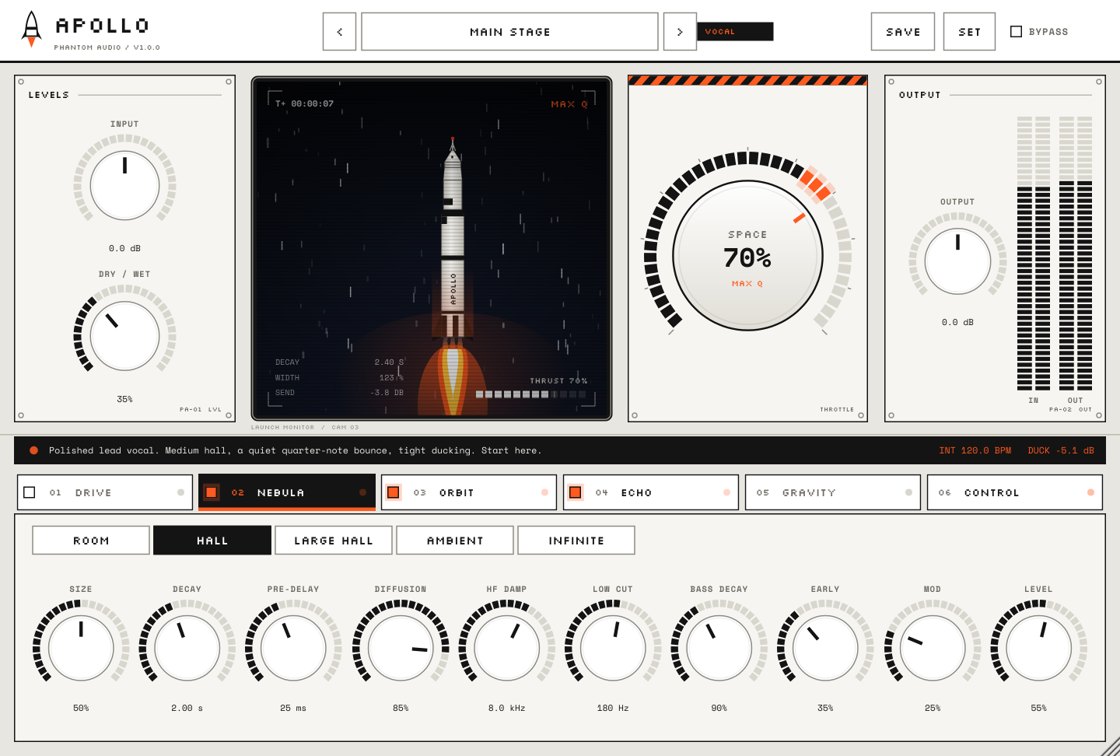 APOLLO$9.99
Space FX
Reverb, delay and width on one knob. Turn up SPACE and your vocal lifts off, from a tight room to a full stadium to infinite.
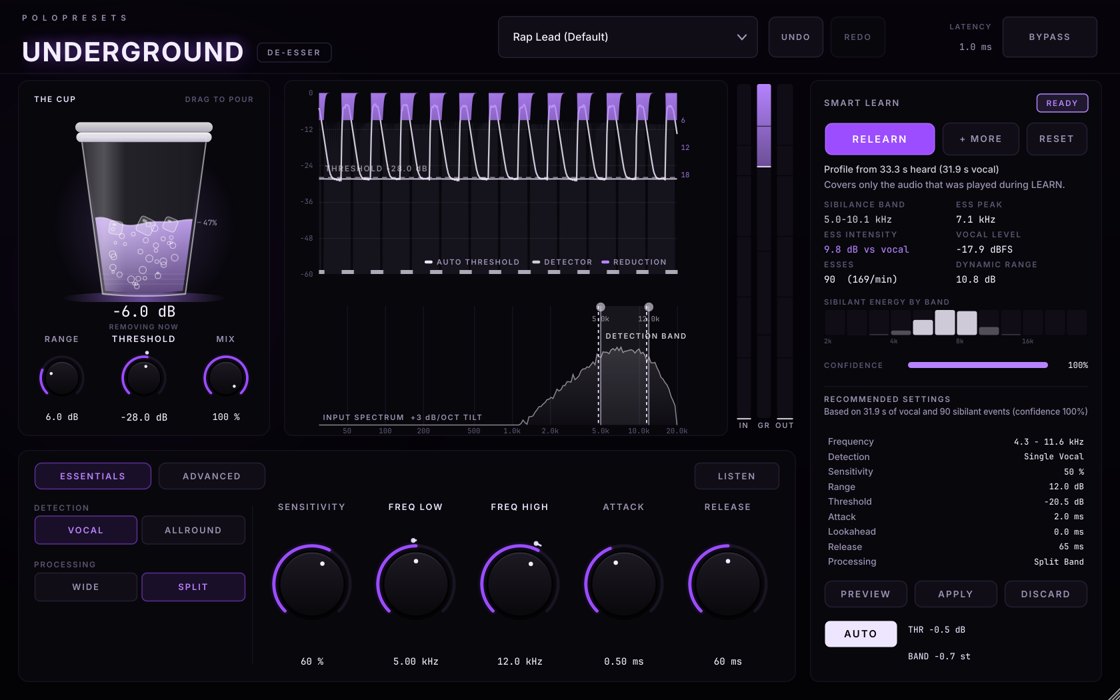 UNDERGROUND DE-ESSER$9.99
De-esser
The de-esser that learns your voice. Hit LEARN, rap a few bars and it finds your harsh S's and tames them, without killing the air in your vocal.
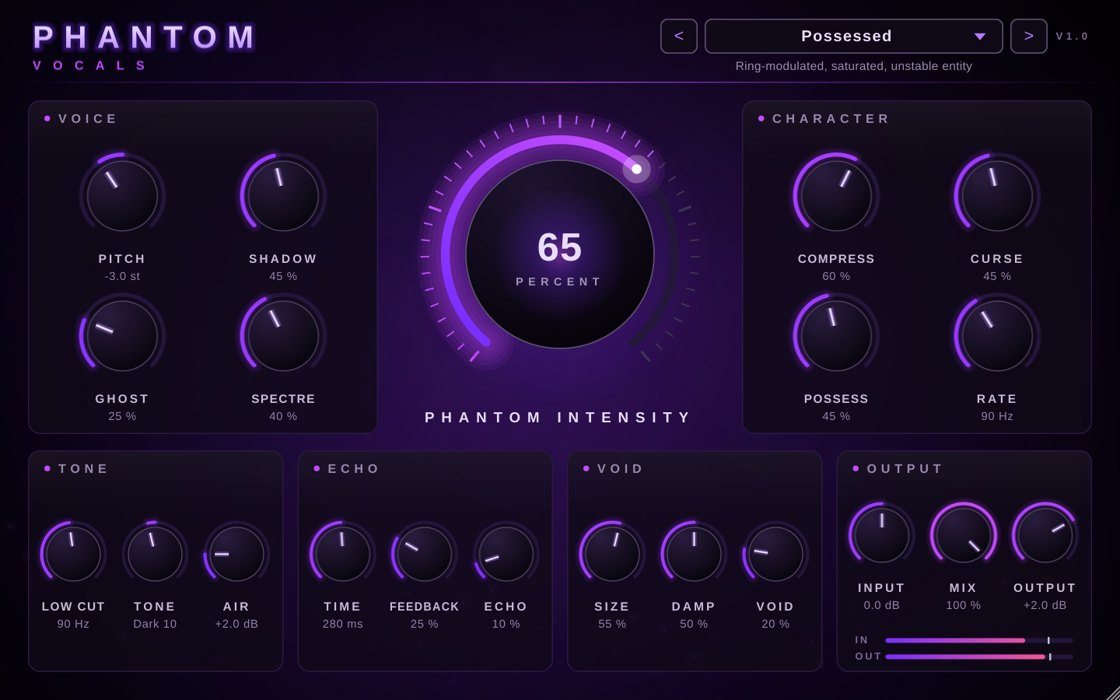 PHANTOM VOCALS$9.99
Vocal plugin
Your voice, haunted. Stack it, choir it and drown it in the void. One knob takes you from subtle to straight possessed.
Want more on this? Read how to build an affordable plugin setup and the best free distortion plugins for FL Studio.